Sales & POS
A counter that is fast for the cashier and exact for the accountant.
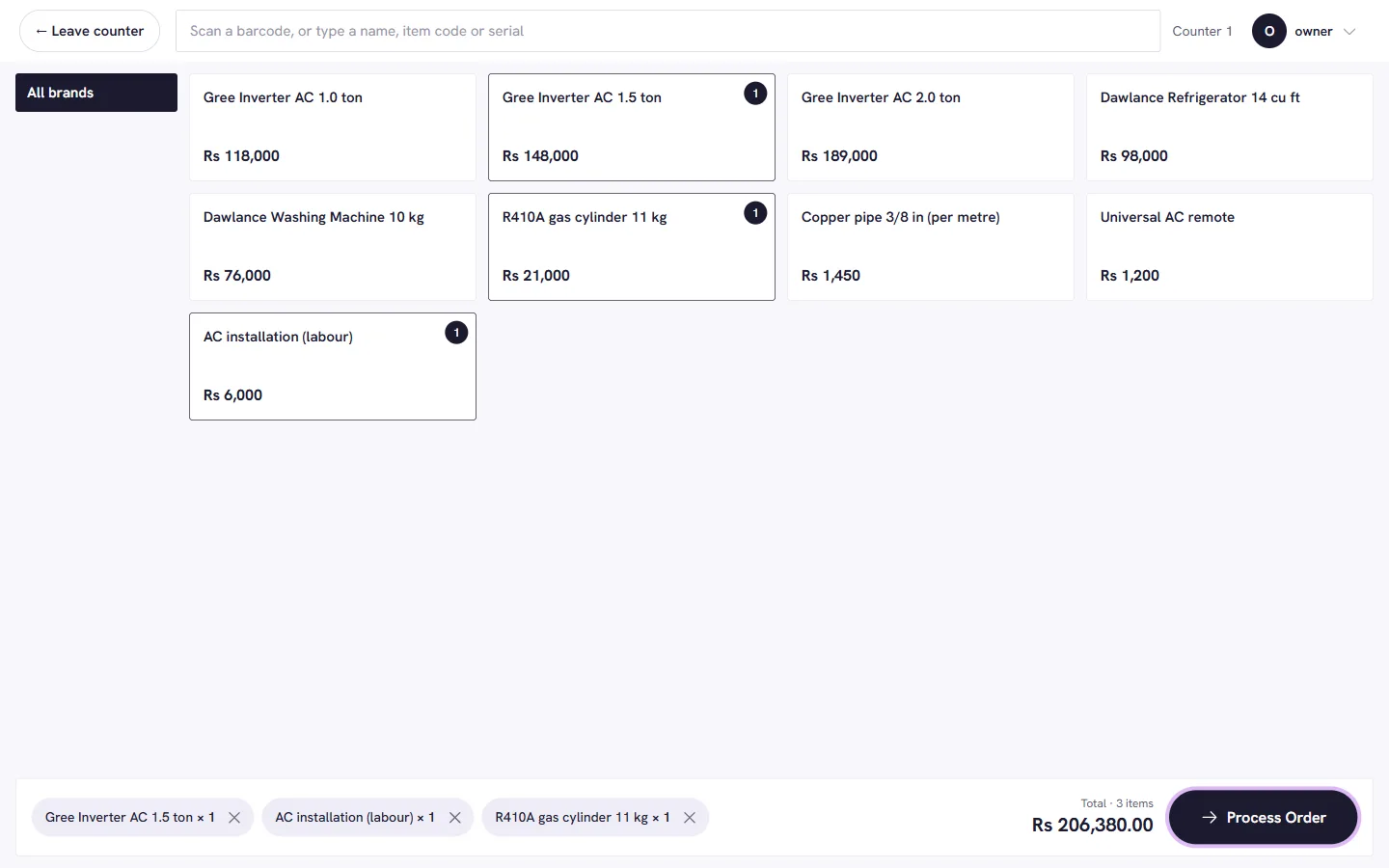
Scan, tap, take payment. Tax is calculated on the server, the invoice number comes from a gapless series per counter, and the sale posts to stock and the books in the same step.
What you get
- Scan or tap to sell
- Barcode, item code, serial or name. A touch-friendly counter screen with big price buttons for the items you sell all day.
- Tax done on the server
- 18% sales tax, further tax by buyer type, withholding and provincial service tax on labour. A printed invoice always adds up to the paisa.
- Gapless invoice numbers
- Numbers run in sequence per register and fiscal year (July to June). No gaps for an auditor to ask about.
- Discount and credit limits
- Set what each role can discount. A customer with no credit limit simply cannot take goods unpaid.
- Returns and credit notes
- Tax is split exactly pro-rata, stock goes back, and the refund is recorded.
- Payments your way
- Cash, bank, wallet, post-dated cheques that clear or bounce, and instalment plans.
- Close the day
- Count the cash drawer and close the day, with the difference on record.
- Receipts with a QR
- Once FBR accepts a sale, its number is on the receipt QR.
Next step
See it with your own stock list.
Book a short demo and we will set it up around the way you sell.