Run your shop.Know what’s next.
Stock, sales, FBR invoicing and your books in one system that keeps selling when the internet drops.
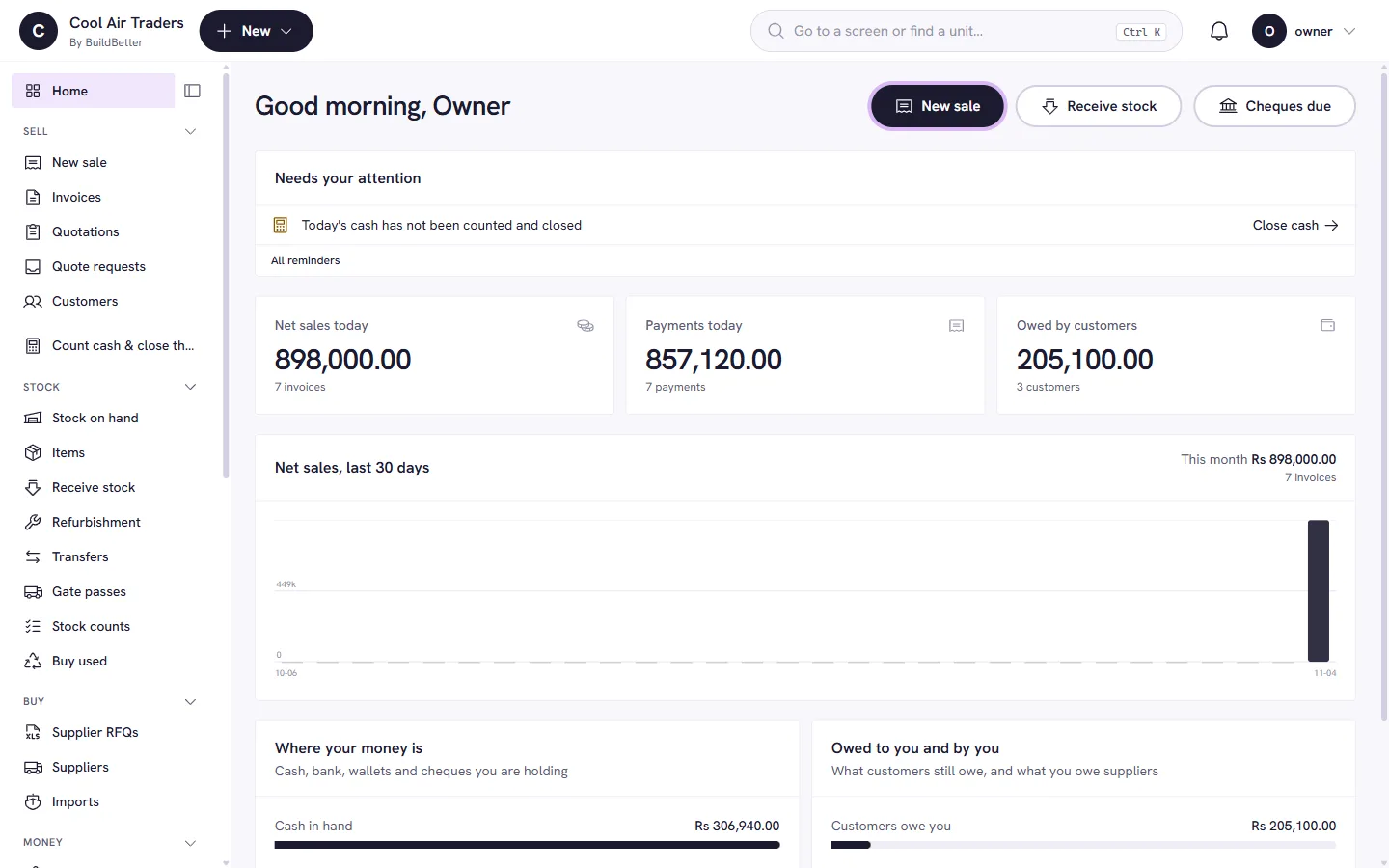
- Stock and serials
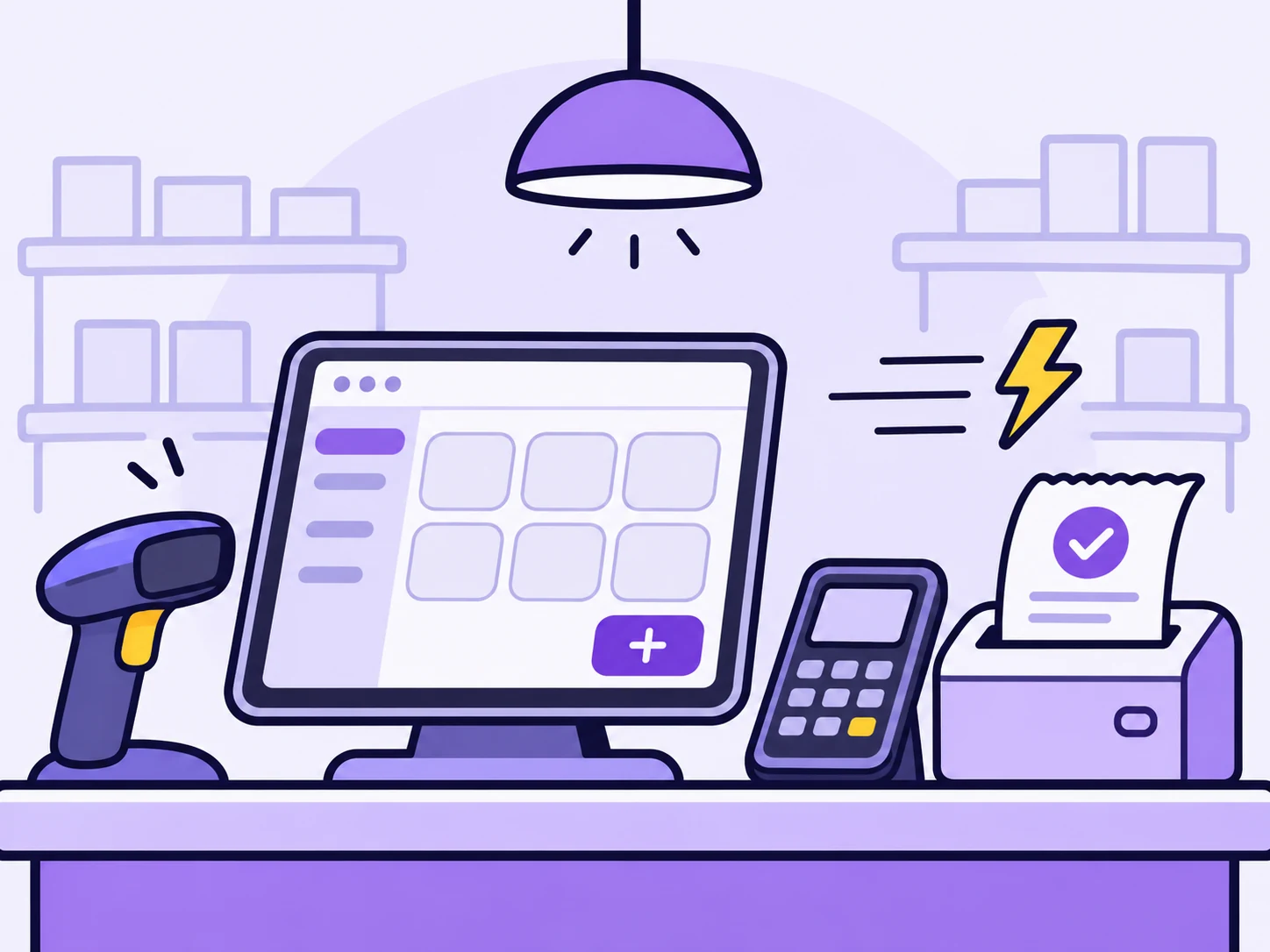
- Point of sale
- FBR invoicing
- Purchasing
- Accounting
- Warranty and AMC
- Quotations
- Reports
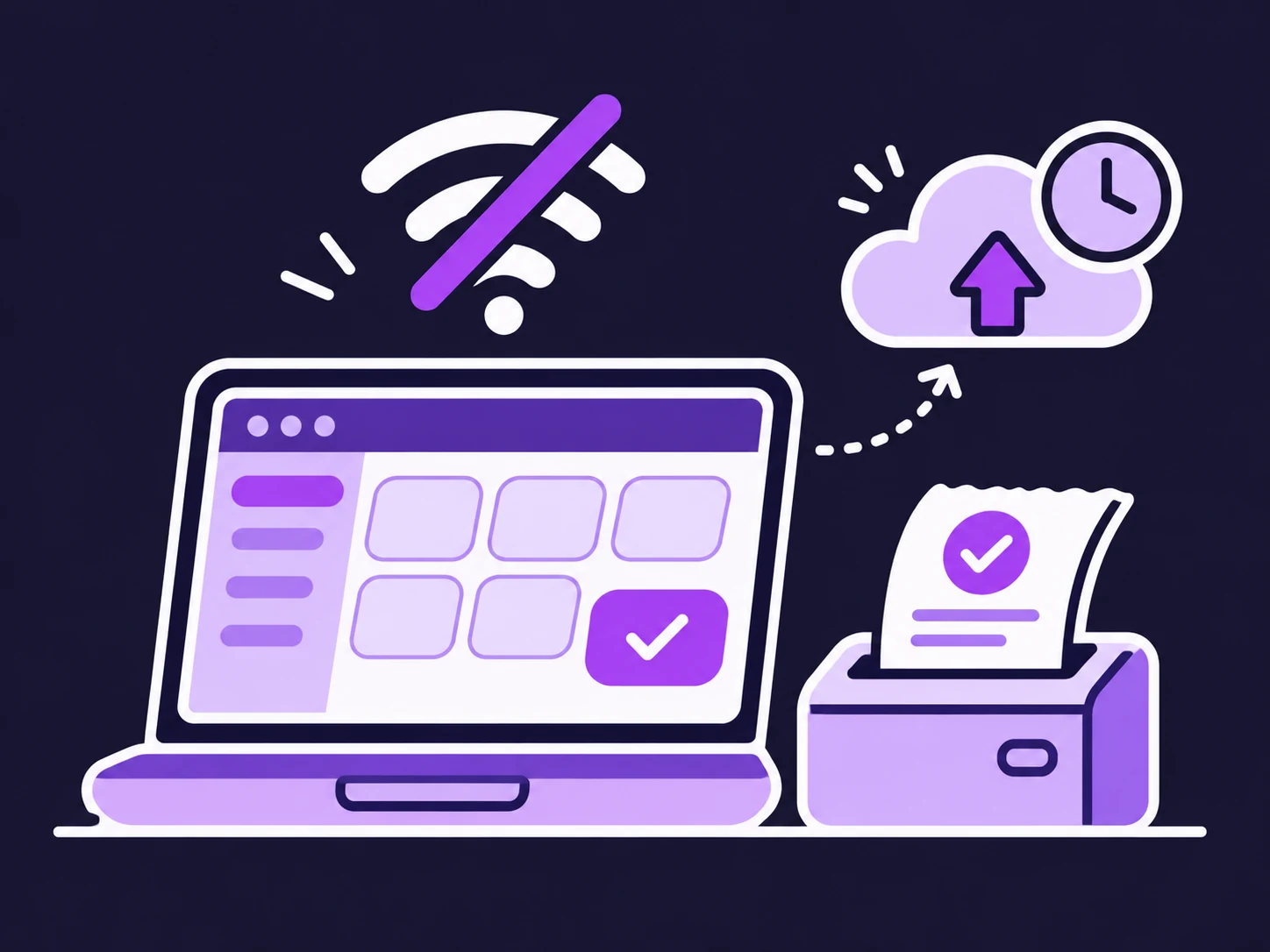
- Offline selling
01 · Run the shop
And everything behind the counter.
What Symtex handles at the shelf, the counter and in the books.
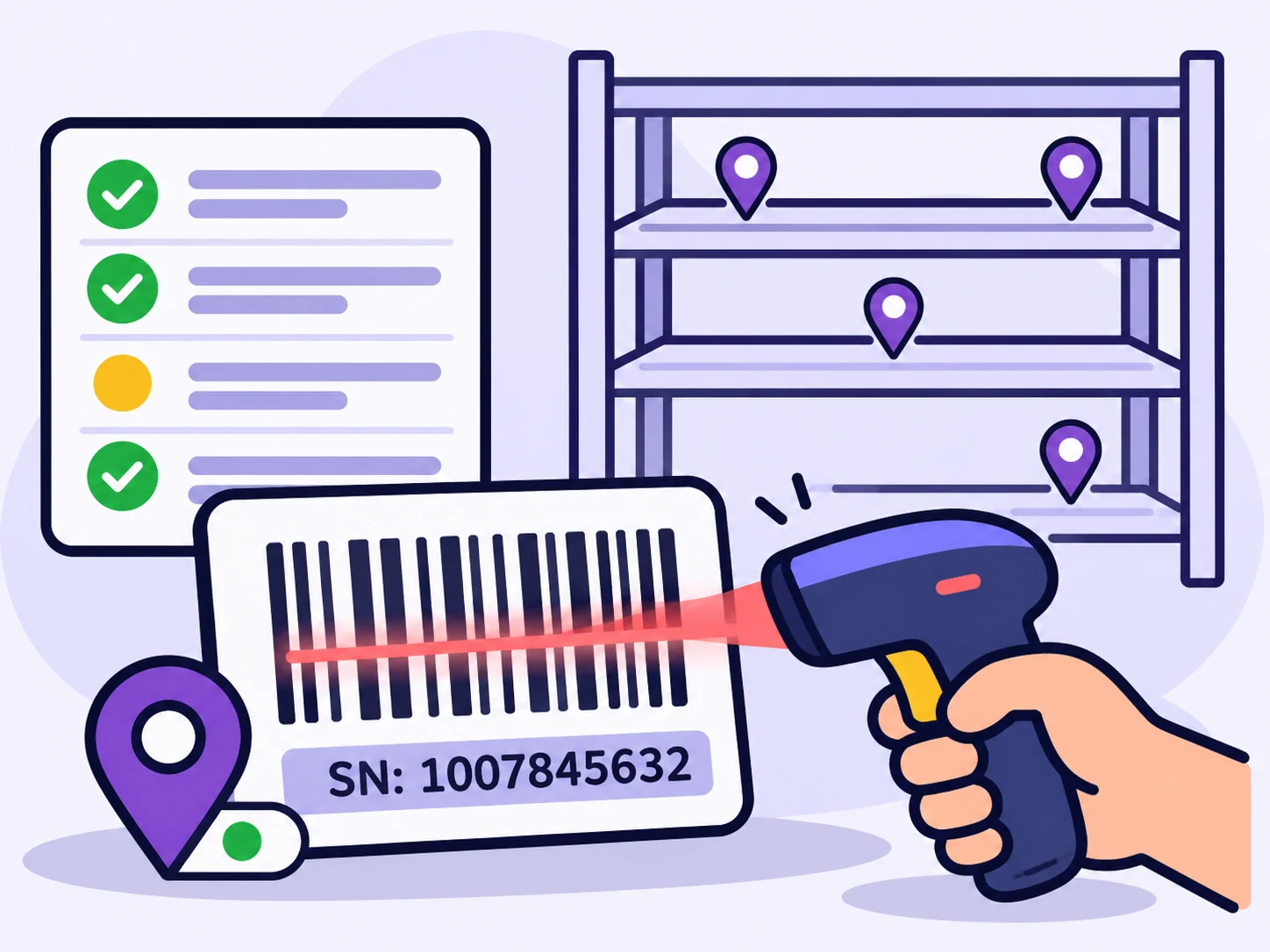
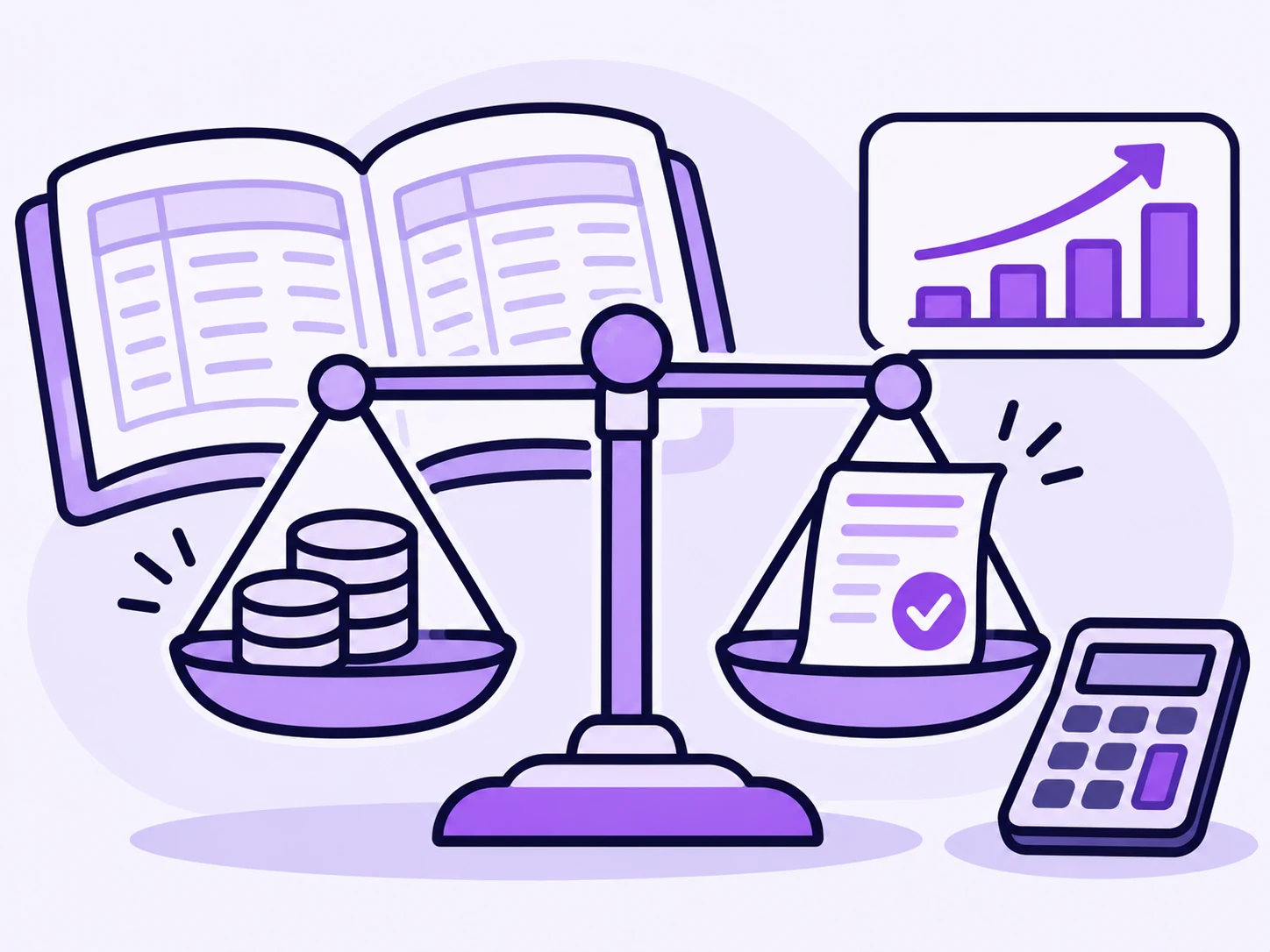
Barcode, serial, location, status and cost for each item. Search by any of them.
Learn more

02 · Coming soon
An ERP that tells you what to do next.
Most ERPs are a filing cabinet. Symtex already keeps a clean, connected record of your stock, sales and money. Our plan is to put AI on top of it, so the owner gets answers and decisions, not just reports.
Ask SymtexPlanned
Which stock should I reorder before summer?
Your top seller: 2 left, selling about 3 a week. Order 10.
A slow mover: 3 on hand, none sold in 40 days. Hold off.
Can I give Ali Traders more credit?
Rs 148,000 of theirs is 21 days overdue. Collect first, then extend.
- Step 1 Available
A clean record of everything
Every stock movement, invoice and ledger entry is structured and tied together. That is what makes advice trustworthy.
- Step 2Next · coming soon
Ask your business in plain words
“Who owes me money?” “What should I reorder?” Answers from your own books.
- Step 3Then · coming soon
Decisions that find you
Reorder before you run out, spot slow stock, flag risky credit, see cash coming before it lands.
03 · Custom ERP
Your own ERP, live in three weeks.
If your business does something the standard product does not, we build it into your system instead of asking you to change how you work. Same engine, same support, your screens and rules.
- Fixed quote in writing before any work starts
- Built on the product you can try above, so it stays supported
- Your data migrated from Excel or your old software

3
weeks to go live
Week 1
Map how you work
- A call or a visit with your team
- Your items, customers and tax set up
- A written scope and a fixed quote
Week 2
Build and load
- Your screens and rules, built on the Symtex engine
- Stock, customers and balances migrated
- A working copy for your staff to try
Week 3
Train and go live
- Staff trained on their own screens
- Printers, scanners and FBR connected
- Live support on WhatsApp from day one
Three weeks applies to a defined scope agreed in writing. Larger builds are phased, and we tell you before we start.
Industries
One system, whatever you sell.
Stock, tax, accounting and the counter work the same for any business that buys and sells. Trade packs add what a trade needs on top.
Pricing
Pay the way that suits your cash flow.
Same product, three ways to pay. Add only the modules you need.
Monthly
Pay as you go, month to month.
Suits: Starting out, or trying Symtex on one counter.
Ask for a priceYearly
Pay once a year for the year ahead.
Suits: Established shops that want one predictable bill.
Ask for a priceOne-time
Pay once, own the licence.
Suits: Owners who prefer to buy rather than subscribe.
Ask for a price
Questions owners ask first.
Is Symtex a desktop app or a website?
Both. There is a Windows desktop app for the counter, with an encrypted local copy so selling continues without internet, and the same system opens in a browser.
What happens if the internet goes down while I am selling?
The desktop app keeps pricing sales with the server's own tax engine and queues them. The customer gets an OFFLINE slip with a provisional number; everything uploads when the connection returns. Offline sales are taken in full.
Does it handle FBR digital invoicing?
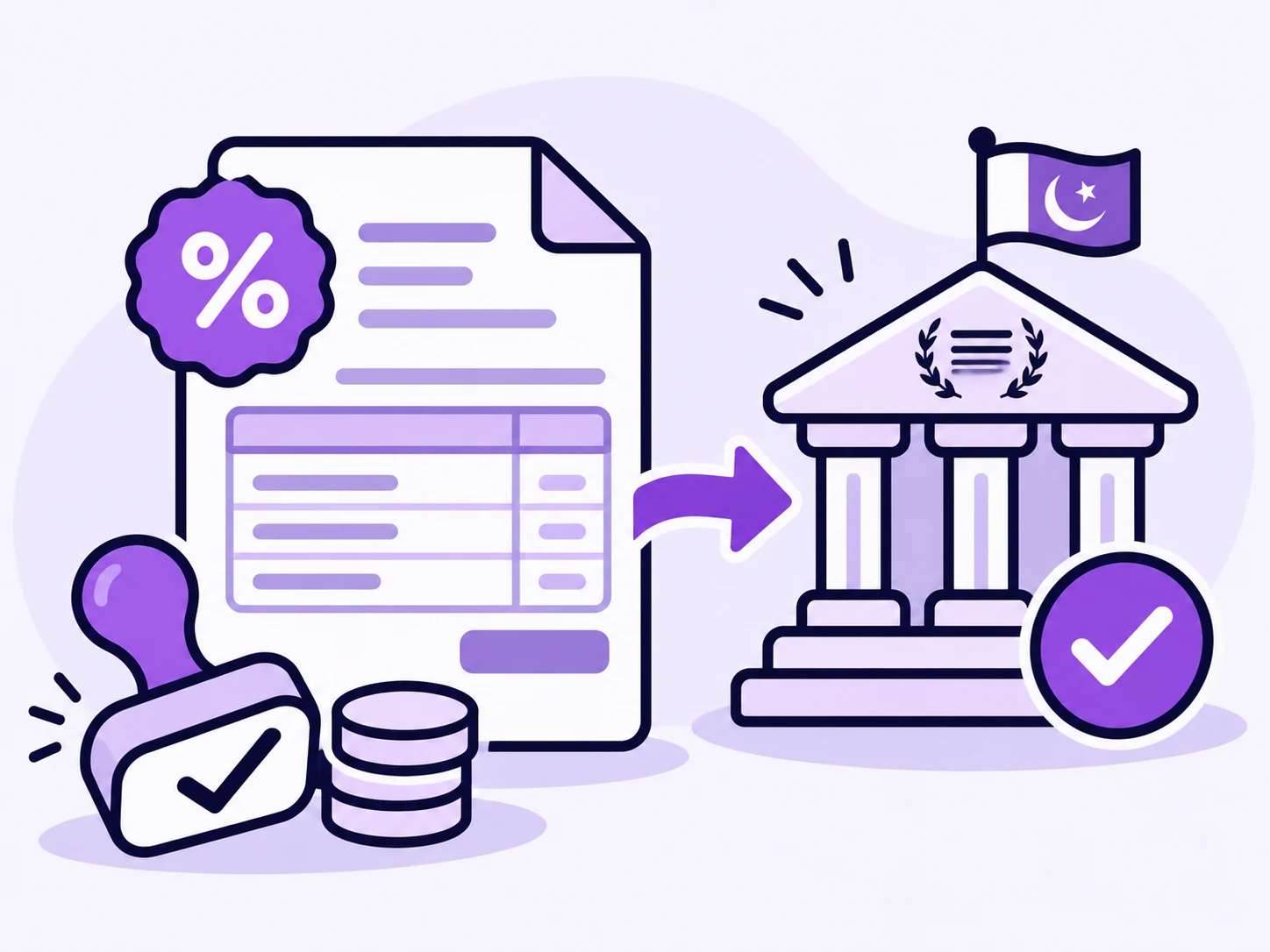
Every sale and credit note is queued for FBR reporting in the same step it is posted, sent by a background worker, with plain statuses and checks before sending. FBR reporting is an add-on that we switch on for your company during setup.
How is tax calculated?
On the server, never in the browser. Sales tax, further tax by buyer type, withholding and provincial service tax on labour are applied per line and rounded to the paisa, so an invoice always adds up. Tax rates are data, so a budget change does not need a software update.
Can my staff see my cost prices?
Only if you give their role that permission. Without it, cost is absent from the screen rather than blanked out.
Next step
See it with your own stock list.
Book a short demo and we will set it up around the way you sell.